Stay safe. Follow procedures in the Operation Manual. Always use proper protective equipment, fully power down machines and use locks before service. Salford is not liable for injury or damage caused by improper maintenance or operation. Contact your Salford dealer for more information or support.
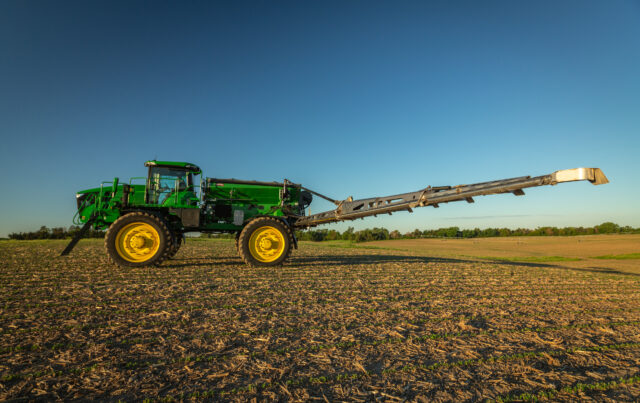
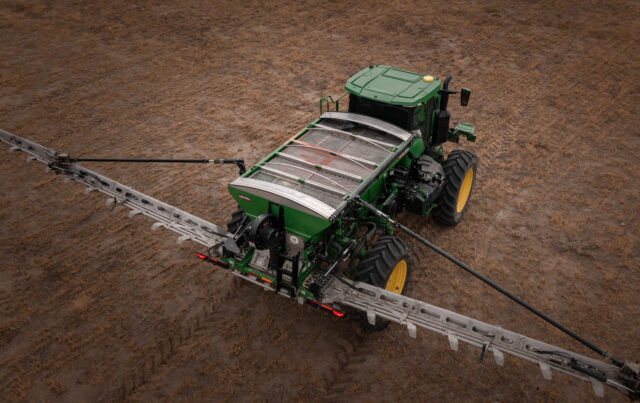
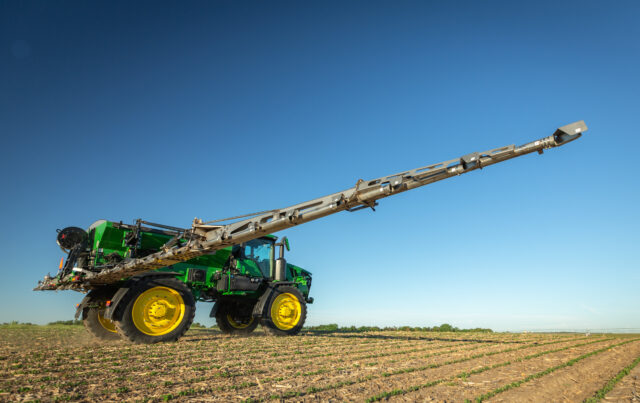
If you’ve determined that the fan speed sensor on your Salford AB200DS2 or AB200DSM has failed, replacing it is a quick and easy process. This guide will walk you through the step-by-step instructions to safely and efficiently install a new fan speed sensor.
Step-by-Step Instructions
CAUTION: Before beginning work on the machine ensure that the chassis is off, and that there is no power going to the fan.
1. Remove the Fan Cage Guard
- Locate the cage guard covering the fan.
- Identify the two nuts securing the cage guard.
- Remove the nuts and carefully take the cage off.
2. Disconnect the Failed Fan Speed Sensor
- Unplug the current (failed) fan speed sensor.
- Locate the 1-1/8 inch nut that holds the sensor in place.
- Loosen the nut to release the old sensor.
- Remove the sensor completely.
3. Install the New Fan Speed Sensor
- Take the new fan speed sensor and position it correctly.
- On the hub of the fan, identify the two bolt heads that measure fan speed. A 1/16-inch air gap is required between the sensor face and the bolt heads used to measure the fan speed. If you do not have a feeler gauge you may be able to use the narrow profile of a zip tie to ensure the correct spacing.
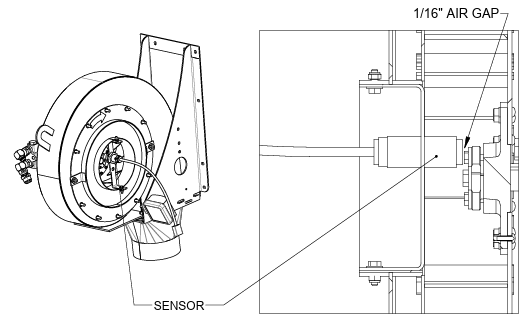
3. Once the correct spacing is set, tighten the nuts securing the sensor.
4. Reassemble the Fan Cage
- Plug in the new fan speed sensor securely.
- Reattach the fan cage guard.
- Ensure that the cage guard is properly secured by tightening the nuts.
Tips and Troubleshooting
- Double-check all connections before turning the system back on.
- Ensure the sensor is aligned properly to prevent inaccurate fan speed readings.
Replacing the fan speed sensor on your Salford AB200DS2 or AB200DSM is a straightforward task that can prevent operational issues and keep your equipment running efficiently. By following these simple steps, you can quickly replace the sensor and get back to work.
For more detailed instructions, check out our YouTube video on AB200DS Fan Speed Sensor Replacement. Don’t forget to subscribe to our channel for more helpful videos.
For additional support, contact your Salford dealer or visit the Salford Connect Portal.