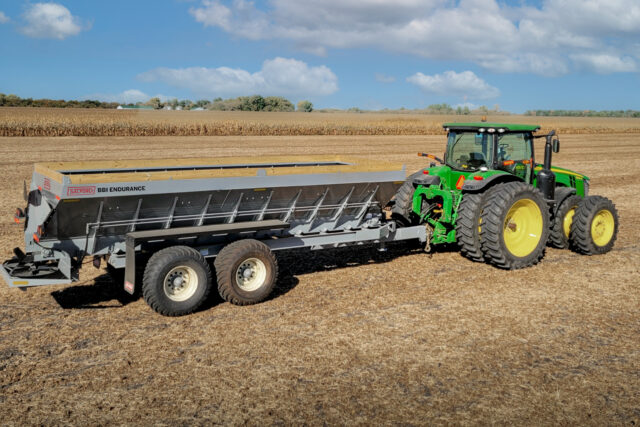
Stay safe. Follow procedures in the Operation Manual. Always use proper protective equipment, fully power down machines and use locks before service. Salford is not liable for injury or damage caused by improper maintenance or operation. Contact your Salford dealer for more information or support.
Proper calibration of your DigiStar EZ 2500V Scale Kit is essential to ensure precise weight readings. This guide will walk you through the setup and calibration process, helping you get your scale working accurately. The instructions are based on the accompanying service video, which you can watch for a detailed visual demonstration.
Step-by-Step Instructions
1. Powering On the Scale
- Locate the On/Off button on the top right of the display.
- Press it to power on the scale.
- Wait for the screen to display the current weight readout.
2. Entering Setup Mode
- Press the Select button (bottom right corner). The word Setup will appear.
- Press and hold the Function button (beside the Select button) to enter the setup number.
3. Setting the Setup Number
- The display will show a default setup number.
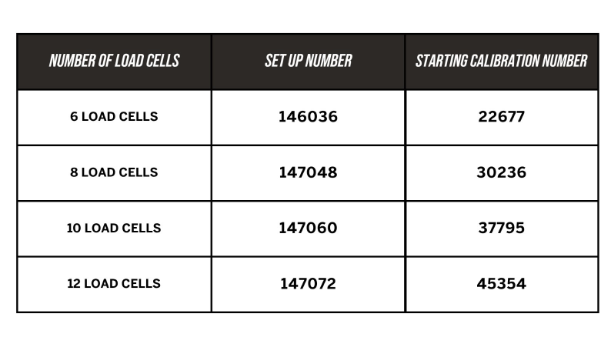
- This number corresponds to the number of load cells on your machine.
- Example: For 8 load cells, use 147048.
- Use the Select button to change the blinking digit.
- Use the Function button to move to the next digit.
- Once correct, press (but do not hold) the On/Off button to confirm.
4. Entering the Starting Calibration Number
- The next screen prompts you for a starting calibration number.
- Again, this is based on the number of load cells.
- For 8 load cells, use 30236.
- Adjust using the Select and Function buttons.
- Press (but do not hold) the On/Off button to confirm.
5. Performing the Calibration
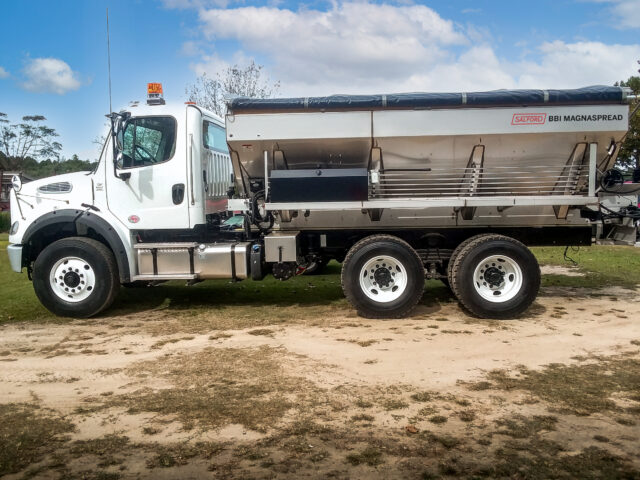
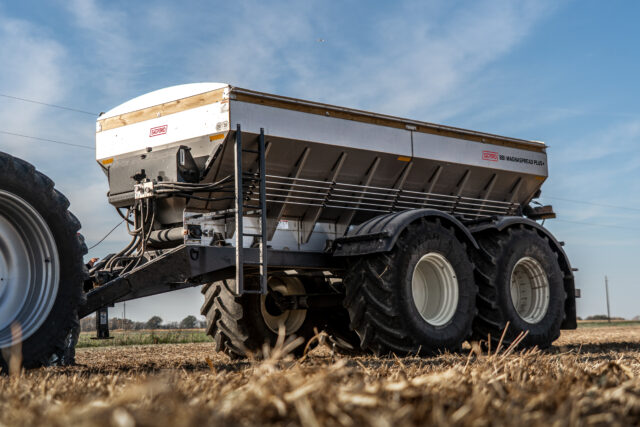
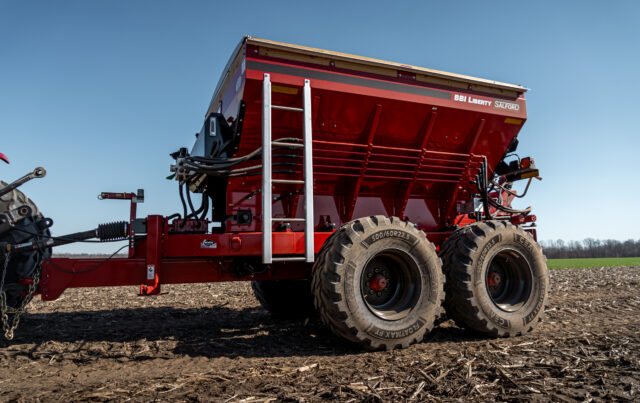
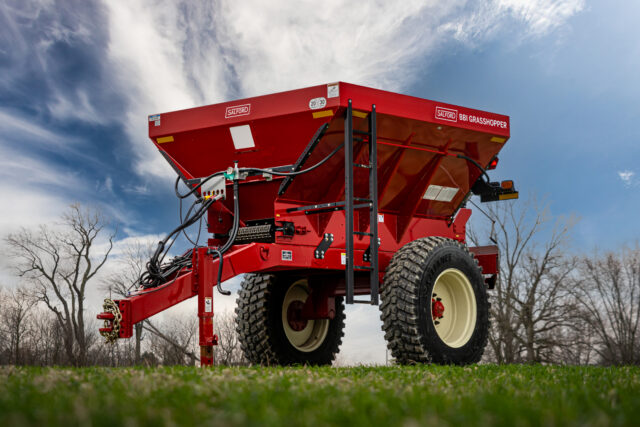
- Load your BBI spreader with a known weight of product.
- Compare the displayed weight to the actual known weight.
- If they differ, calculate a new calibration number:
- Divide the known weight by the displayed weight.
- Multiply that result by the current calibration number.
- Example:
- Known weight = 2115 lbs
- Displayed weight = 2100 lbs
- 2115 / 2100 = 1.007
- 1.007 × 30236 = 30451
6. Entering the New Calibration Number
- Press the Select button.
- Press and hold the Function button to view the current setup number (do not change).
- Press (but do not hold) the On/Off button to move to the calibration number screen.
- Use Select and Function to enter the new value (30451 in this example).
- Press the On/Off button to confirm.
Tips and Troubleshooting
- If the scale does not power on, check the battery connections and power supply.
- Ensure the load cells are properly connected before calibration.
- If calibration results are inconsistent, redo the zero calibration and repeat the process.
- Refer to the DigiStar EZ 2500V manual for additional troubleshooting steps.
Following these steps will ensure your DigiStar EZ 2500V Scale Kit is properly calibrated for accurate measurements.
For more detailed instructions, check out our YouTube video on DigiStar Scale Calibration. Don’t forget to subscribe to our channel for more helpful videos.
For additional support, contact your Salford dealer or visit the Salford Connect Portal.